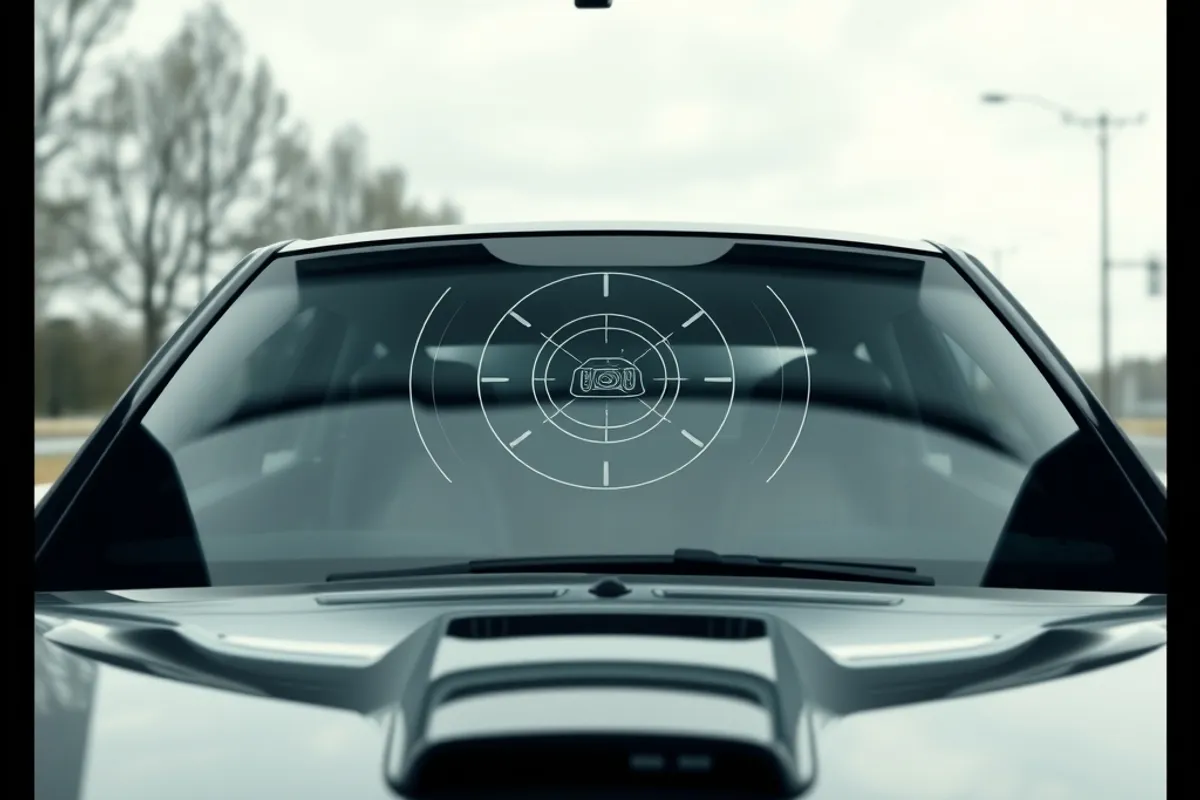
The Sensors Behind the Features
Adaptive cruise control, lane keeping and automatic emergency braking are now common. The names sound abstract, but the systems do simple jobs: watch the road, compare speed and distance, and intervene when a driver reacts late.
Knowing what the technology can and cannot do helps you trust it appropriately. These systems assist; they do not replace attention.
Most systems combine a forward camera with radar. The camera reads lane markings, signs and lights, while radar measures the distance and speed of objects in poor light or bad weather. Ultrasonic sensors handle short-range parking tasks.
Some cars also use surround cameras and rear radar for blind spot warnings. More sensors do not automatically mean better performance; software quality and calibration matter just as much.
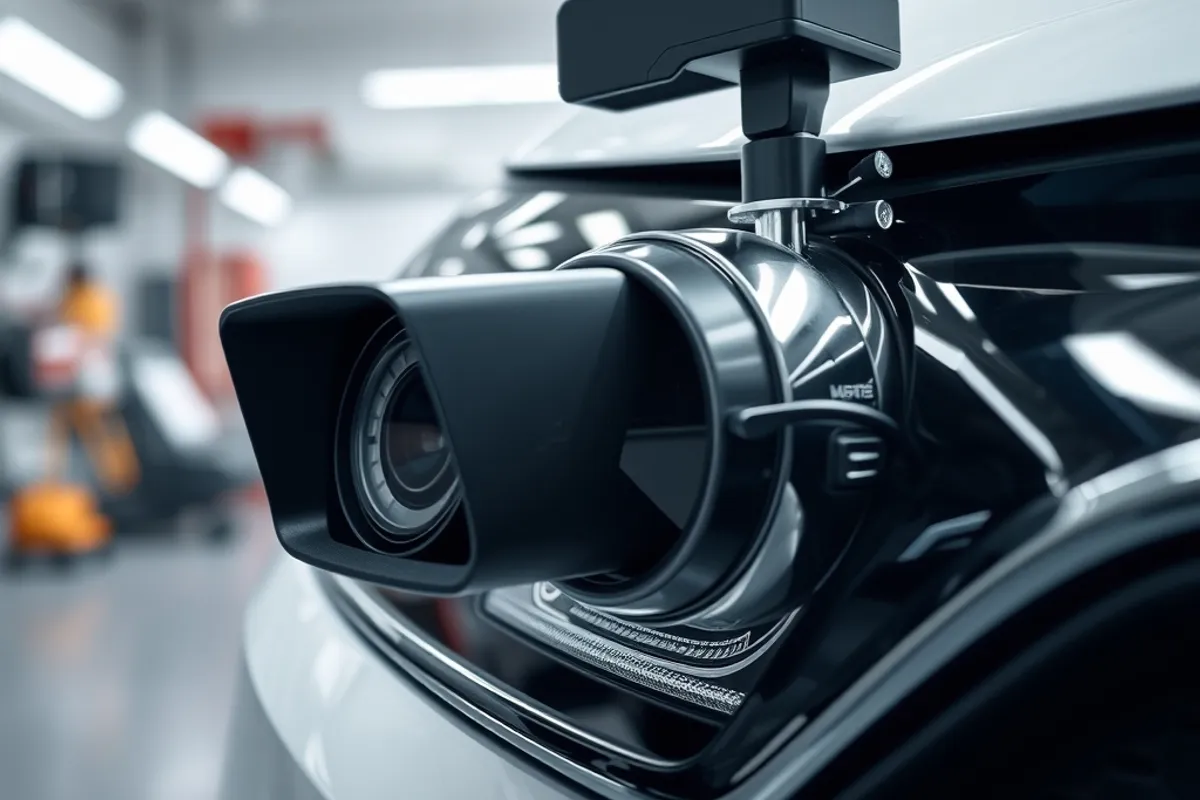
What Each Feature Does
Adaptive cruise maintains a set speed and slows behind traffic, then resumes when the lane clears. Lane keeping applies gentle steering corrections to hold the car between markings. Automatic emergency braking can reduce speed or stop the car if a crash is likely.
Blind spot monitoring warns of vehicles alongside, and rear cross traffic alert watches when reversing. These are useful layers of protection, but each has an operating range and conditions where it will not act.
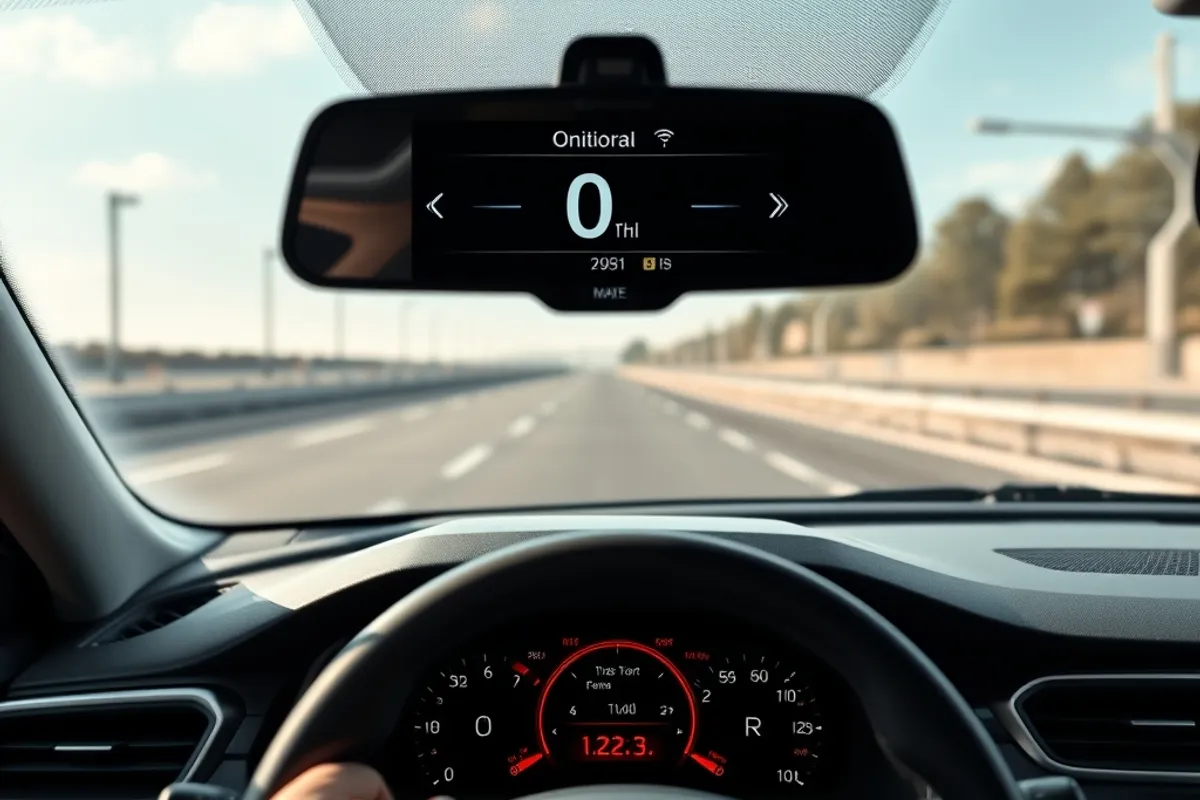
Know the Limits
Cameras struggle with heavy rain, glare, snow and faded lane paint. Radar may miss stationary objects or narrow items such as bicycles in some situations. A system that works well on a clear motorway may disengage on a country lane.
Drivers often become overconfident when assistance is smooth. Keep your hands ready, watch the road and treat any beep as a prompt to take control. Never test the limits of a system with pedestrians or cyclists nearby.
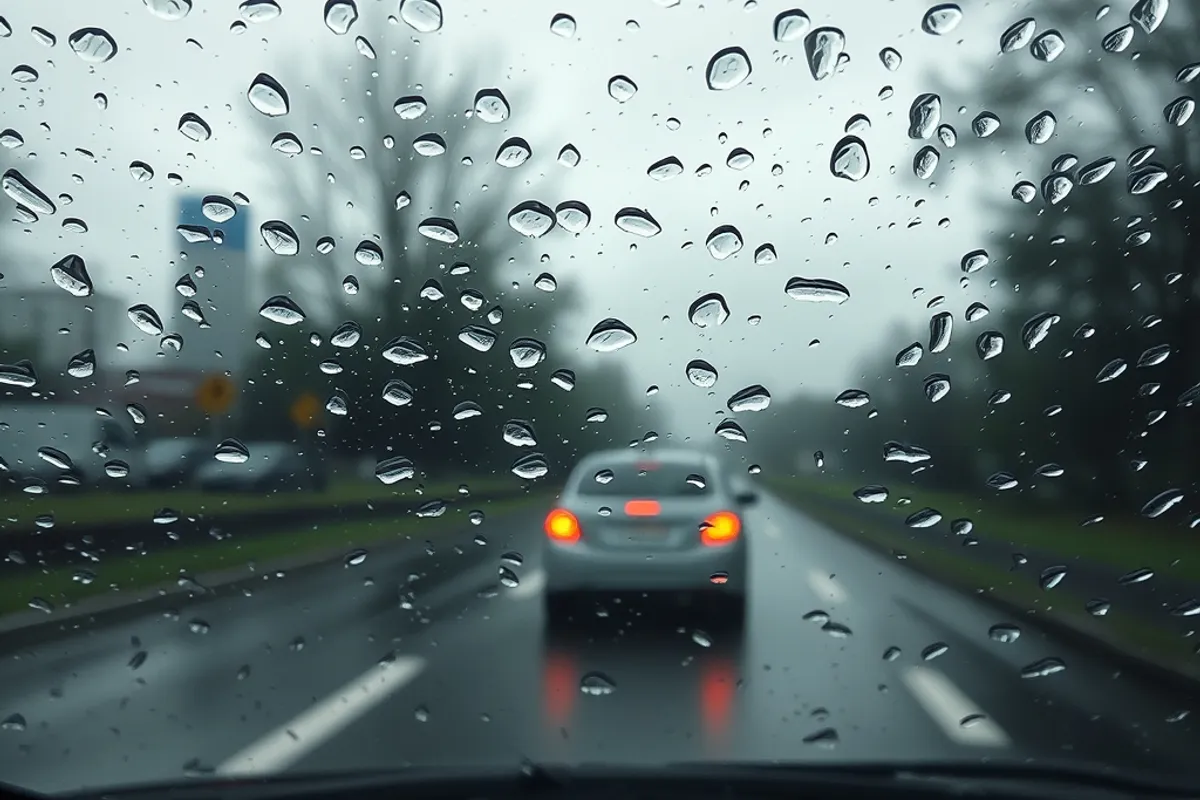
Driver assistance works best when you understand exactly when it stops working.
Calibration and Maintenance
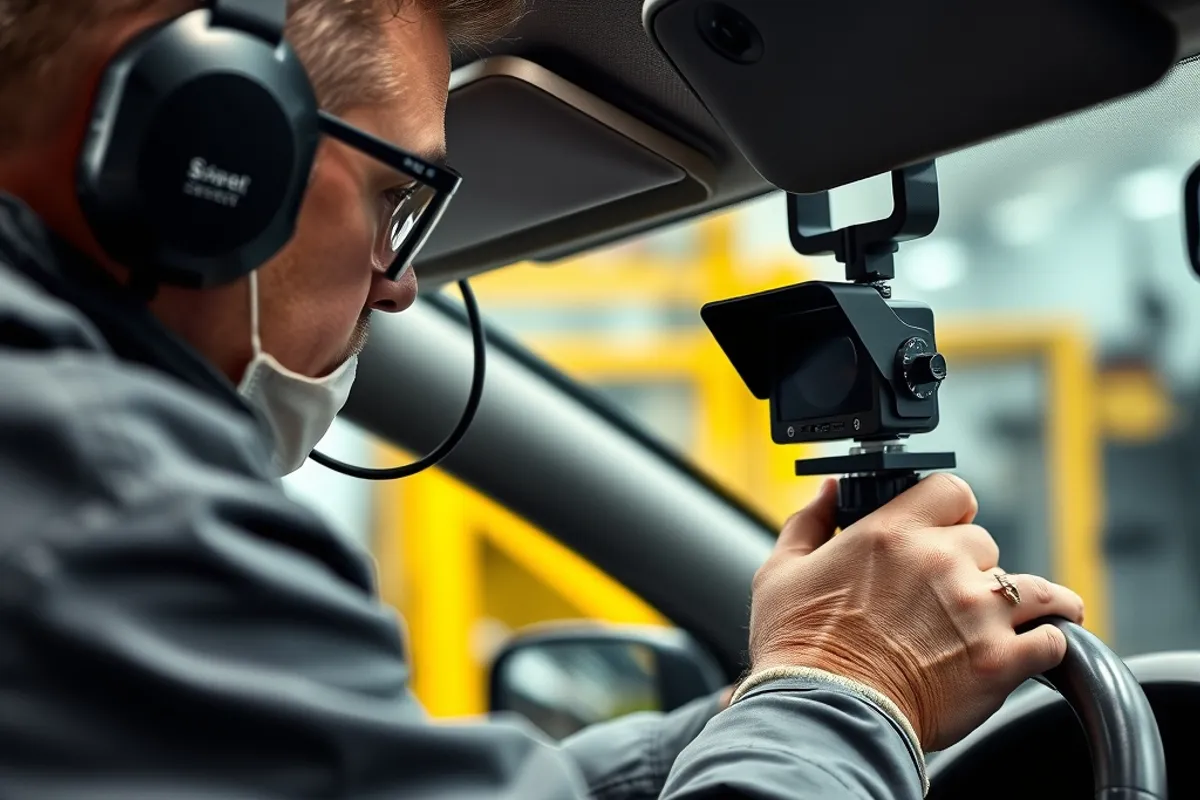
A windscreen replacement, alignment change or collision repair can knock sensors out of alignment. The car may show a warning, or it may simply perform less well. Ask for a calibration whenever related work is completed.
Keep the sensor area clean. Mud, ice and even a poorly fitted phone mount can block a camera. Reading the manual once is worthwhile: it explains which features are active at which speeds and how to switch them off.
Related guides and sources
Home EV charging guide · Wet weather driving · Official vehicle safety resources